
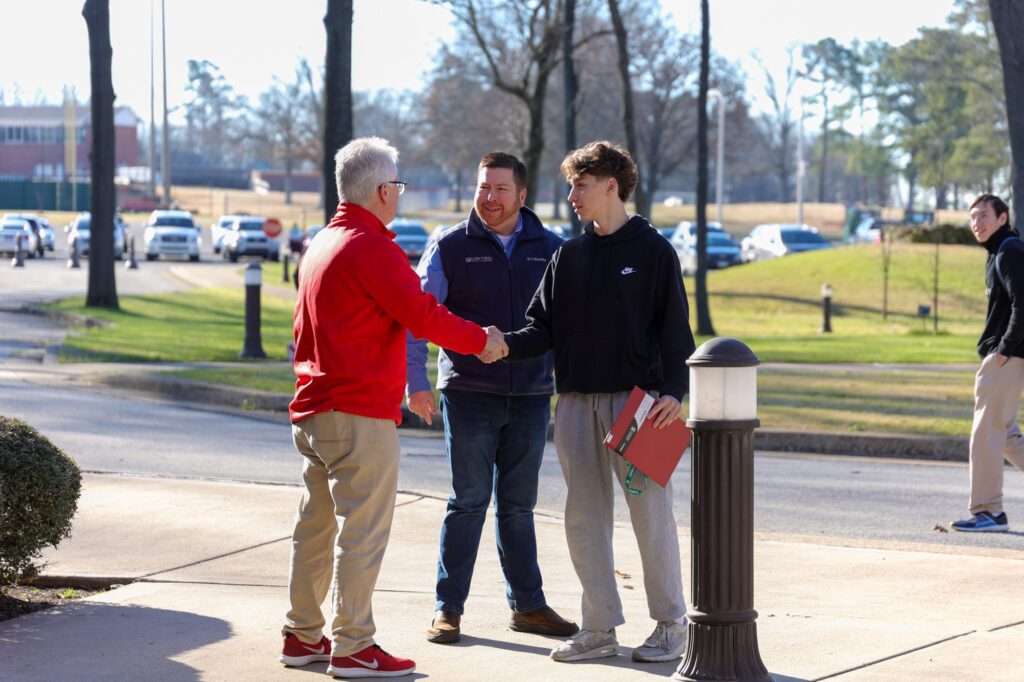

Staying Connected to your Student's Journey
You play a vital role in your son or daughter’s education at Union. We’ve designed Parents’ Place to give you answers to Frequently Asked Questions and links to other important resources.
We want you, as a parent, to have a wonderful Union experience. Let us know how we can help. If you have additional questions or suggestions, please contact Bryan Carrier, Vice President for Student Life and Dean of Students at [email protected] or 731.661.5090
Parent Portal Access
Union offers parents the ability to help manage certain aspects of their student’s account. The following instructions can be used to obtain access to those tools.
Setting Up Proxy Access
- Login to Self Service
- Click on User Options, then click View/Add Proxy Access
- Select your authorized individual from the list or fill out the information required to add your authorized individual(s)
- Select Items Viewable in Proxy Access:
- Student Finance (Account Activity, Summary, Bill Payment)
- Financial Aid (Awards, Loans, etc.)
- Academics (Grades)
- Notifications (Account Issues To Be Resolved)
- Your authorized individual(s) will receive an email with instructions on how to login at parentportal.uu.edu
Events for Parents
2026 Family Weekend

Sep
25
2026 Family Weekend
2026 Carls-Schwerdfeger History Lectures: Steven Pincus

Oct
19
2026 Carls-Schwerdfeger History Lectures: Steven Pincus
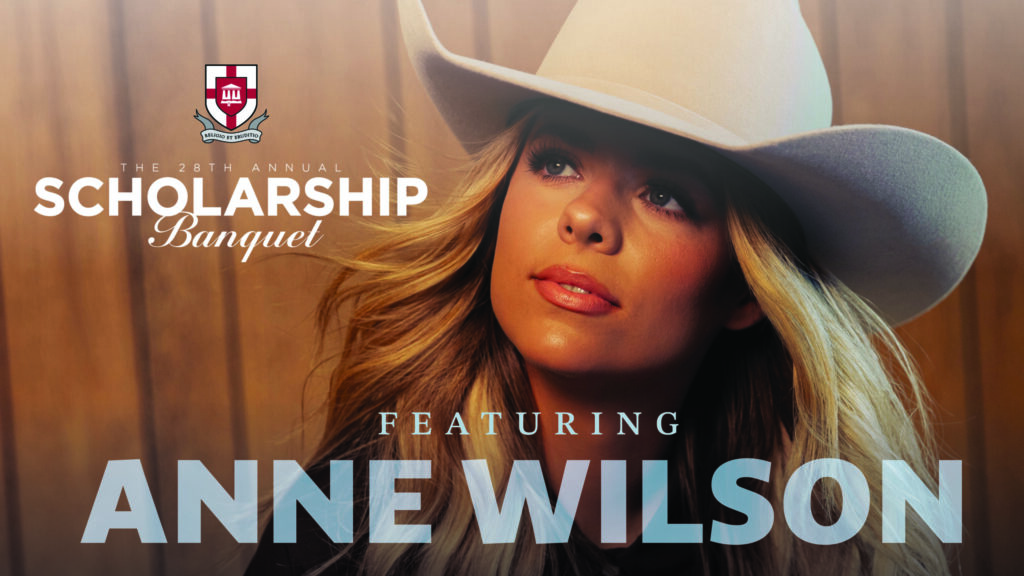
2026 Scholarship Banquet featuring Anne Wilson
Dec
1
2026 Scholarship Banquet featuring Anne Wilson
A Union Christmas

Dec
4
A Union Christmas
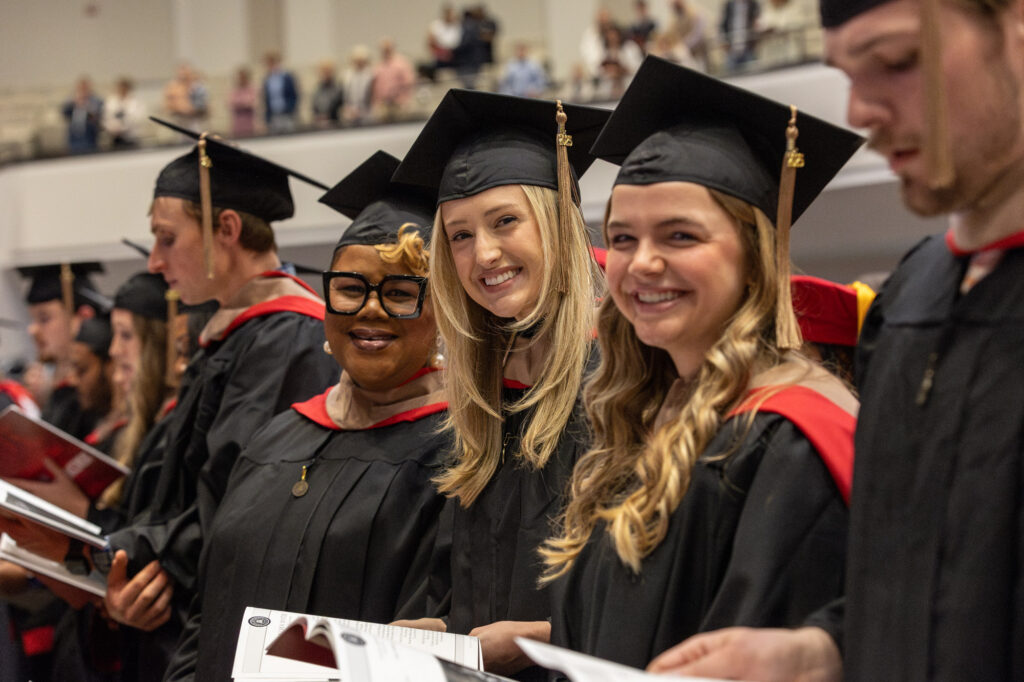
Fall 2026 Graduation
Dec
12
Fall 2026 Graduation
Vocatio Center Resources
College can be such an exciting, fun, challenging, and overwhelming time for students and parents alike. It is a season of letting go and looking ahead. Some students begin with the end in mind, while others search for the paths they are to take. Parents continue to play important roles in their students' lives. It is important for students to be encouraged to look for the gifts the Lord has uniquely crafted in them and how to use those gifts for His glory. As your student prepares for the career the Lord has laid out for them, encourage them to do their best and to enjoy this time of preparation. Trust the Lord to lead them well, and as their time at Union concludes, you will be able to look back and rejoice over what the Lord has done.
On-Campus Student Employment
If your son or daughter needs help in securing a great experiential learning opportunity, please refer your student to the Vocatio Center for Life Calling and Career by calling 731.661.5421 or emailing [email protected].
Student Destinations After Graduation
Union University carefully monitors undergraduate career outcomes rates through the NACE First Destination Survey, which tracks student placement within the first 6 months after graduation. The institution’s goal for traditional undergraduates is a career outcomes rate of 97%. The institution’s goal for non-traditional undergraduates is a career outcomes rate of 92%.